No products in the cart.
How to purchase crypto?
MoonPay (Recommended)
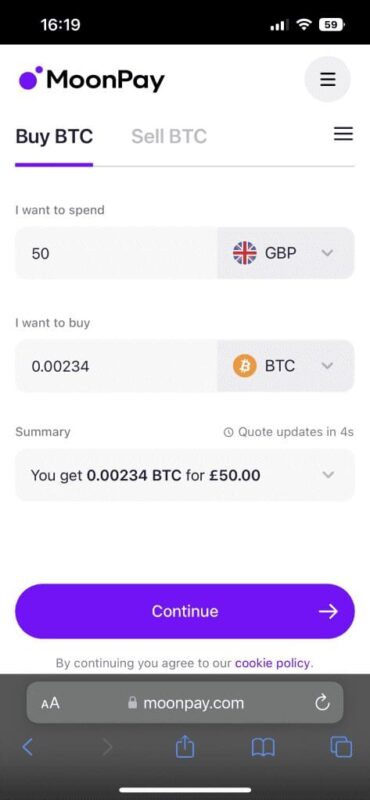
- Go to MoonPay.com on your mobile device or computer.
- Press ‘Buy crypto’ and enter the amount you would like to buy and the currency.
- Enter your email and then verify it by inputting the 2FA code sent to your email.
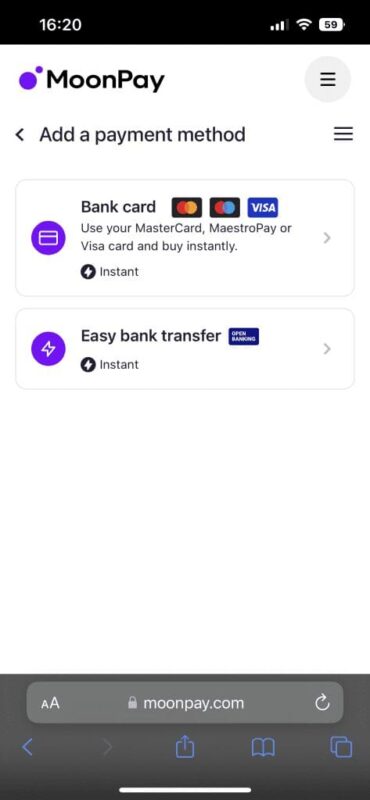
- Then select Bank Card.
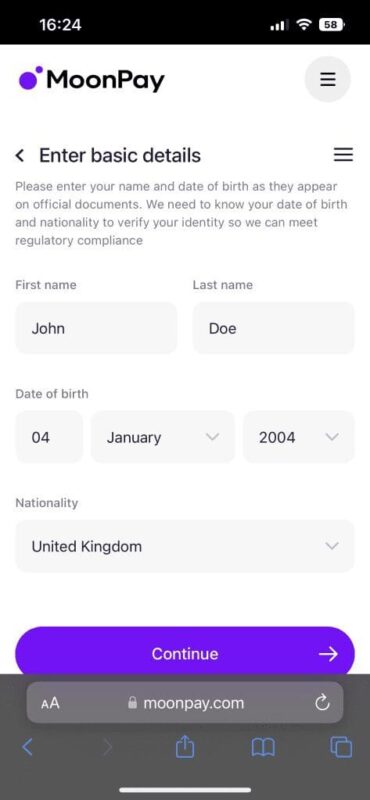
- Then enter your information (make sure this information is inputted as it appears on official documents or you won’t be able to purchase crypto.)
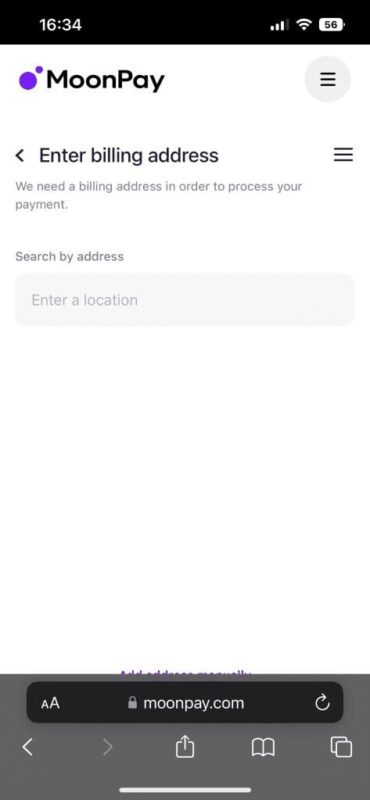
- Then enter the billing address associated with your payment method.
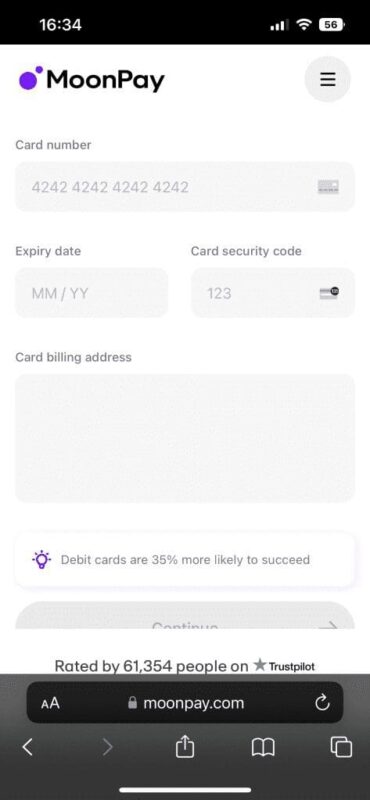
- Then enter your card details.

Blockchain
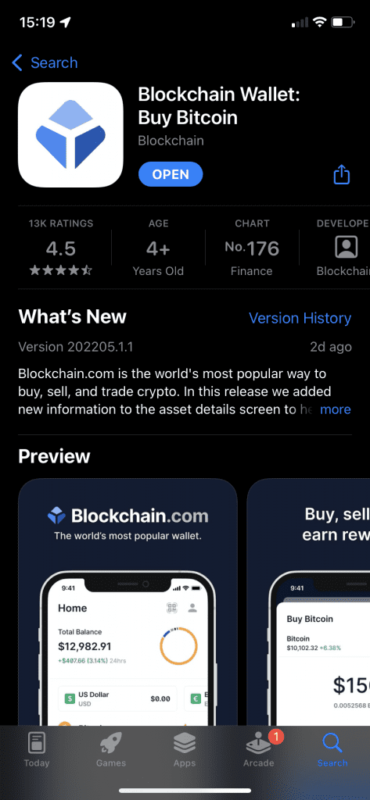
- Download Blockchain from the App Store or Play Store.
- Create an account. (Make sure you have access to the email you are using.)
- Create a PIN for the account. (Make sure it’s something you will remember.)
- Verify the email used.
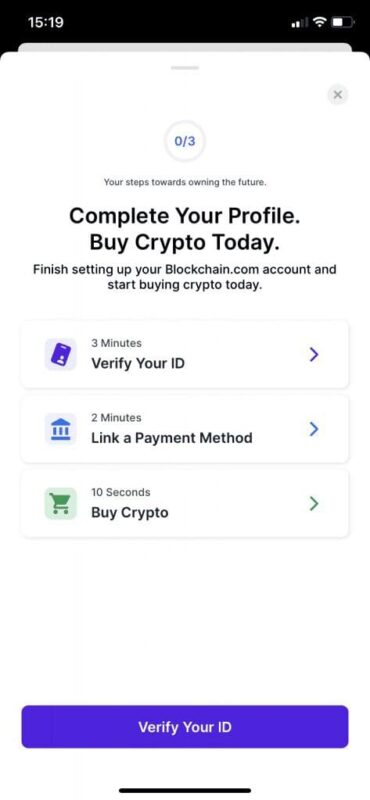
- Tap ‘Complete your Profile’.
- Verify your ID. (Make sure these details are accurate or you won’t be able to purchase crypto.)
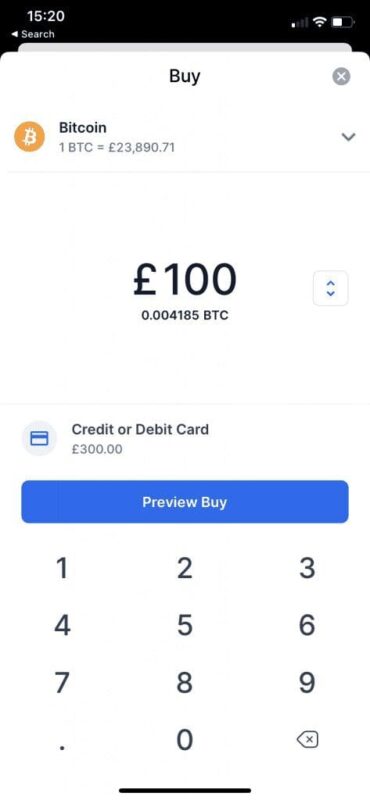
- Add your payment method.
- Buy your desired amount!
*Please note that new blockchain accounts won’t be able to withdraw and send funds for a period of 72 hours.